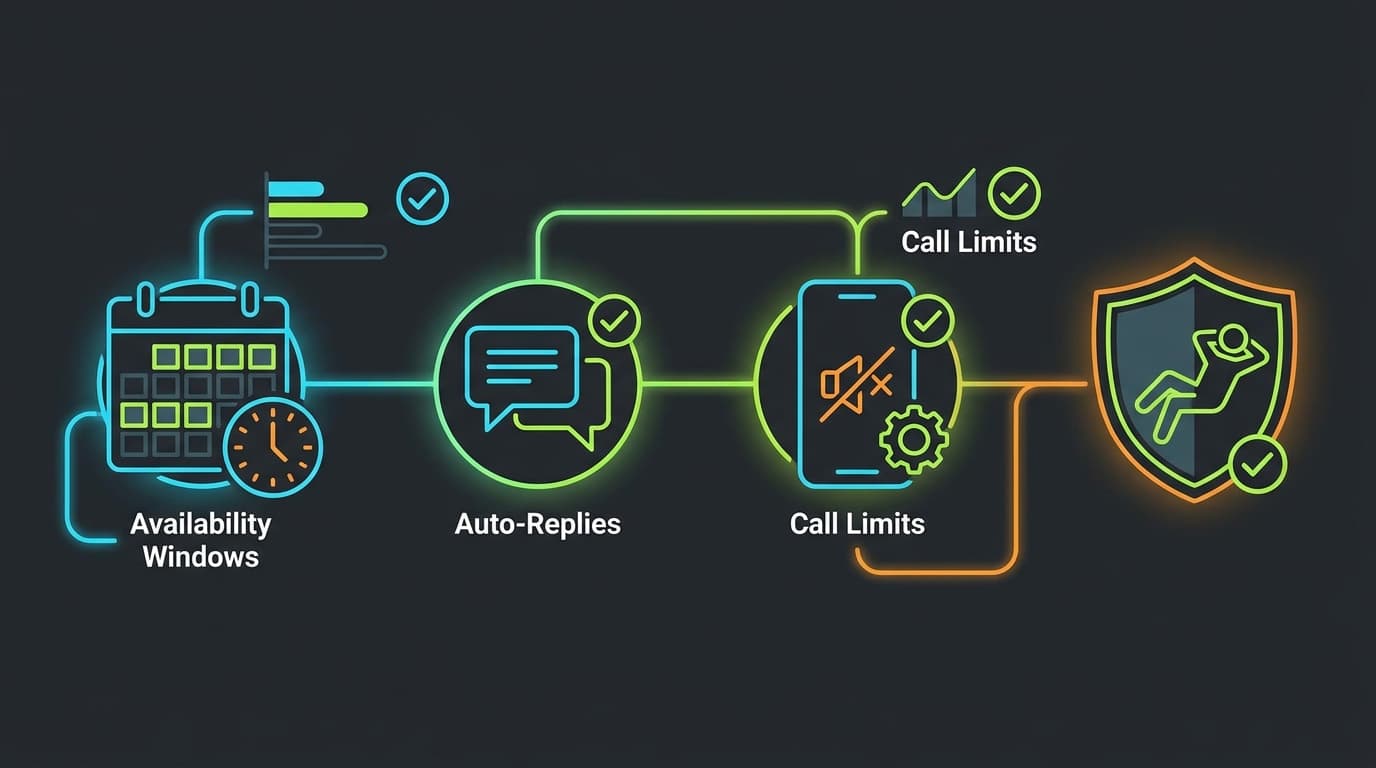
Creator burnout is real, and it often comes from the same source: removing boundaries in the pursuit of more revenue. Responding to DMs at midnight, accepting call bookings that clash with family time, and posting every day regardless of how you feel — these habits compound fast.
The Three Settings That Protect Your Time
1. Availability Windows
In Studio → Calls → Calendar, set specific hours when you accept bookings. Treat these like a doctor's appointment schedule. Don't leave your calendar open 24/7 — even if it means some lost bookings. Creators with restricted windows actually earn more per hour because fans value the scarcity.
2. Call Queue Limits
Set a maximum number of call sessions per week. Start at 10 hours total and adjust from there. When your weekly quota fills up, eZfan automatically shows fans your next available slot rather than showing you as unavailable.
3. Auto-Reply Templates
In Settings → Messages, configure auto-replies for common questions. Common templates: 'I answer DMs within 48 hours', 'For booking info, visit my profile', 'Currently away — back on [date]'.
Content Batching
The creators who last longest on eZfan post on a schedule, not on a whim. Block 2 hours once per week to record, edit, and schedule the next 7 days of posts. Use eZfan's scheduled post feature (Studio → Content → Schedule) to set an automatic publish time.
The 80% Rule
If you're operating at 80% capacity, you have a buffer. If you're at 100%, one bad week will break your streak. Design your schedule to run at 75–80% of your actual capacity. The 20% buffer is for life happening — not for squeezing in more calls.